> For the complete documentation index, see [llms.txt](https://knowledge-base.myappz.ai/home/llms.txt). Markdown versions of documentation pages are available by appending `.md` to page URLs; this page is available as [Markdown](https://knowledge-base.myappz.ai/home/settings/recover/recover-pipeline.md).
# Recover - Pipeline
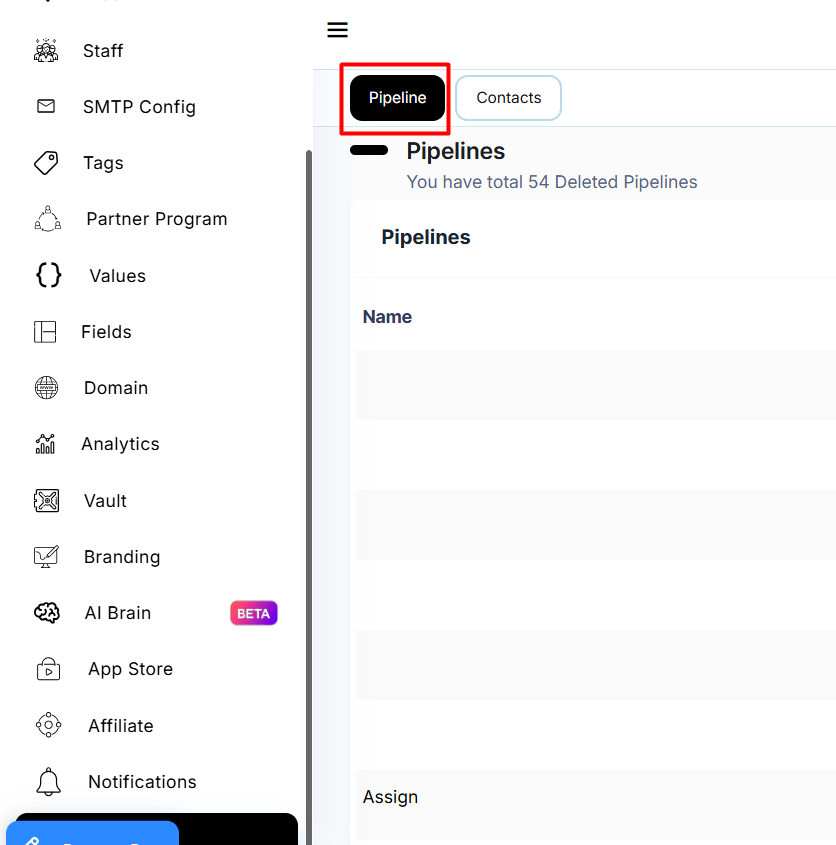
**Step 1: Click on Settings in sidebar >> Click on recover >> Select pipeline**
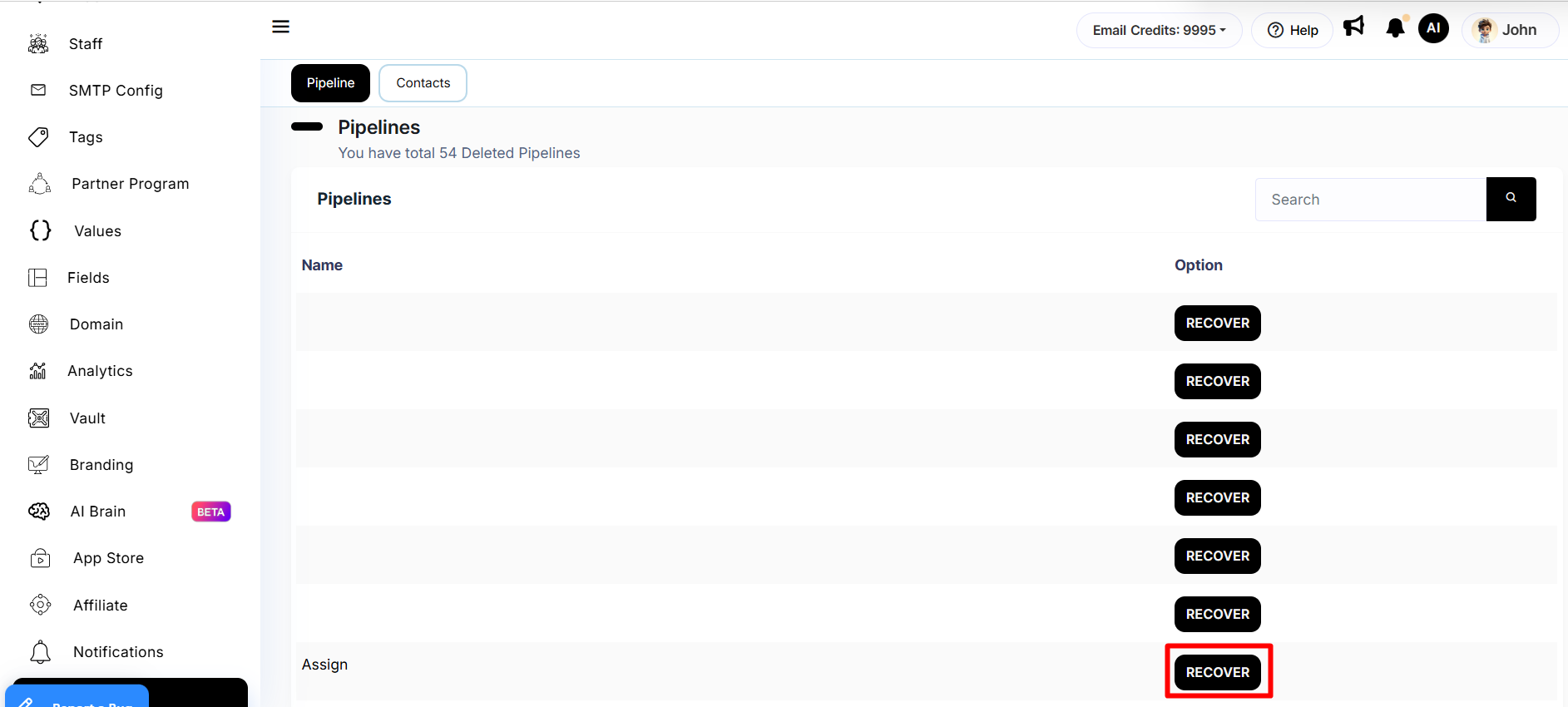
**Step 2: Click on recover button.**
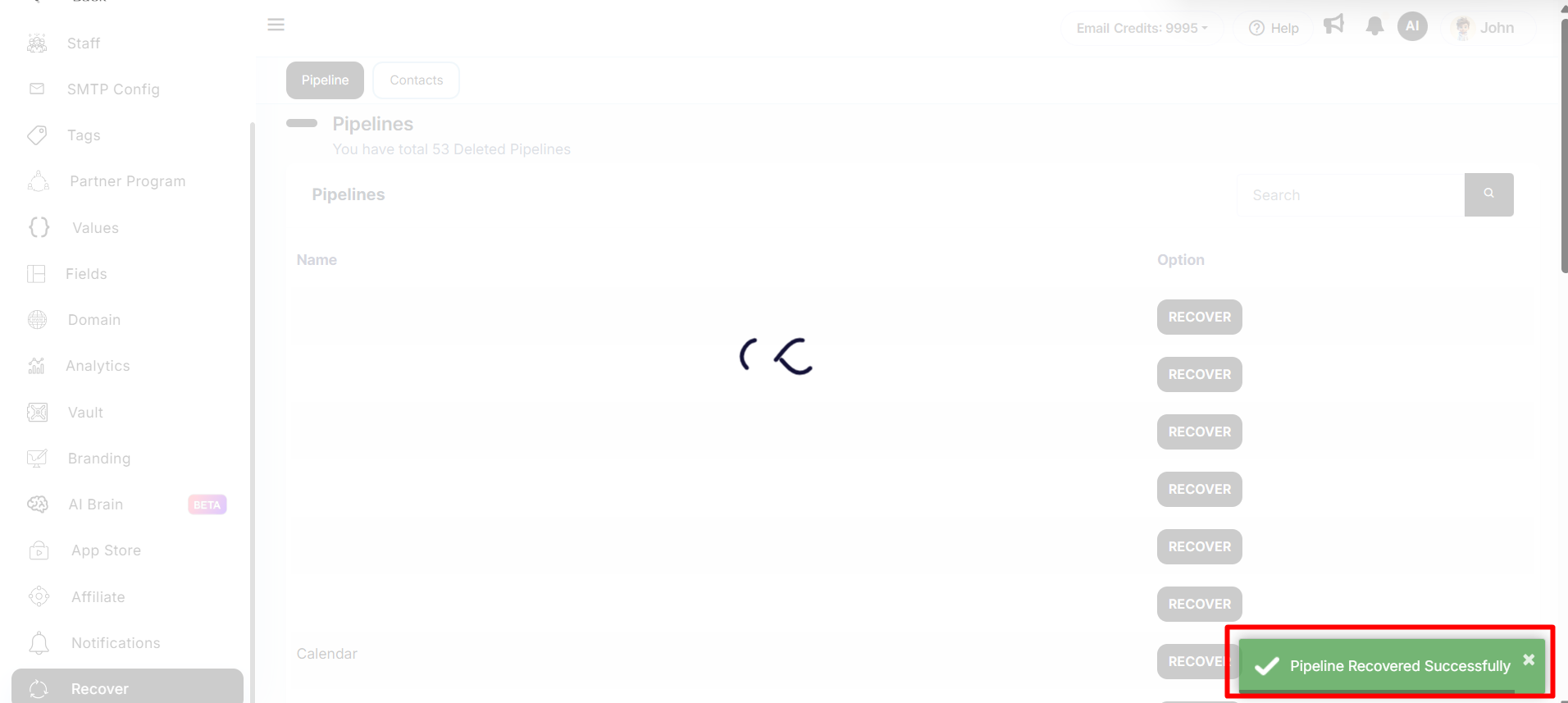
**Once you click on recover button your data will be recovered and it will show you the confirmation message at right side on bottom.**
**Step 3: Then you can see that pipeline in the pipeline table**