> For the complete documentation index, see [llms.txt](https://knowledge-base.myappz.ai/home/llms.txt). Markdown versions of documentation pages are available by appending `.md` to page URLs; this page is available as [Markdown](https://knowledge-base.myappz.ai/home/settings/analytics/course/member-analytics.md).
# Member Analytics
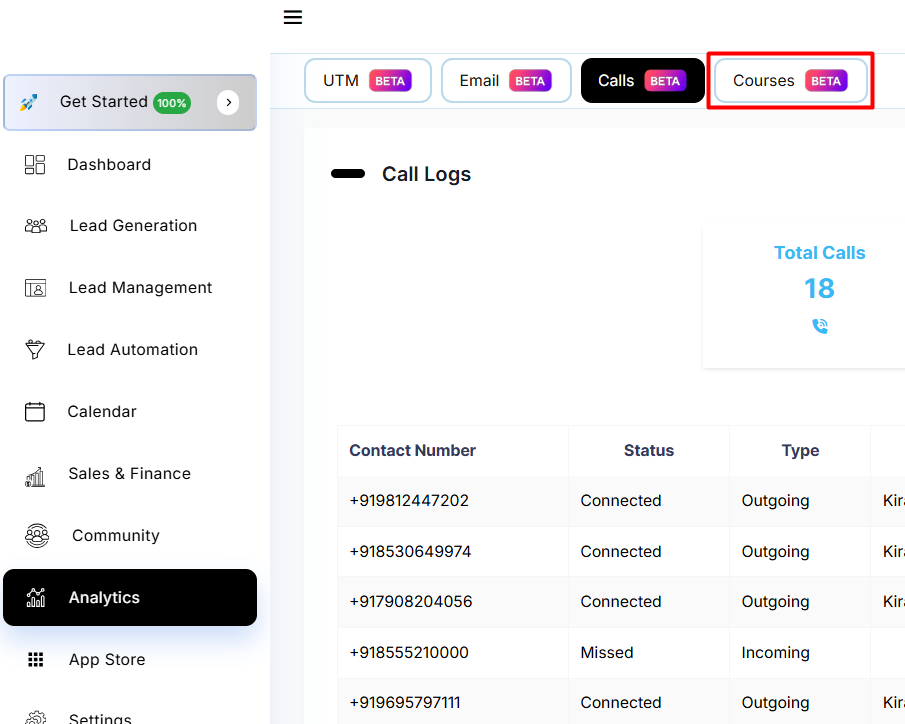
**Step 1: Click on Courses.**
**Step 2: Click on View in members analytics.**
**Step 3: There you will see all the contacts, click on the eye button there.**
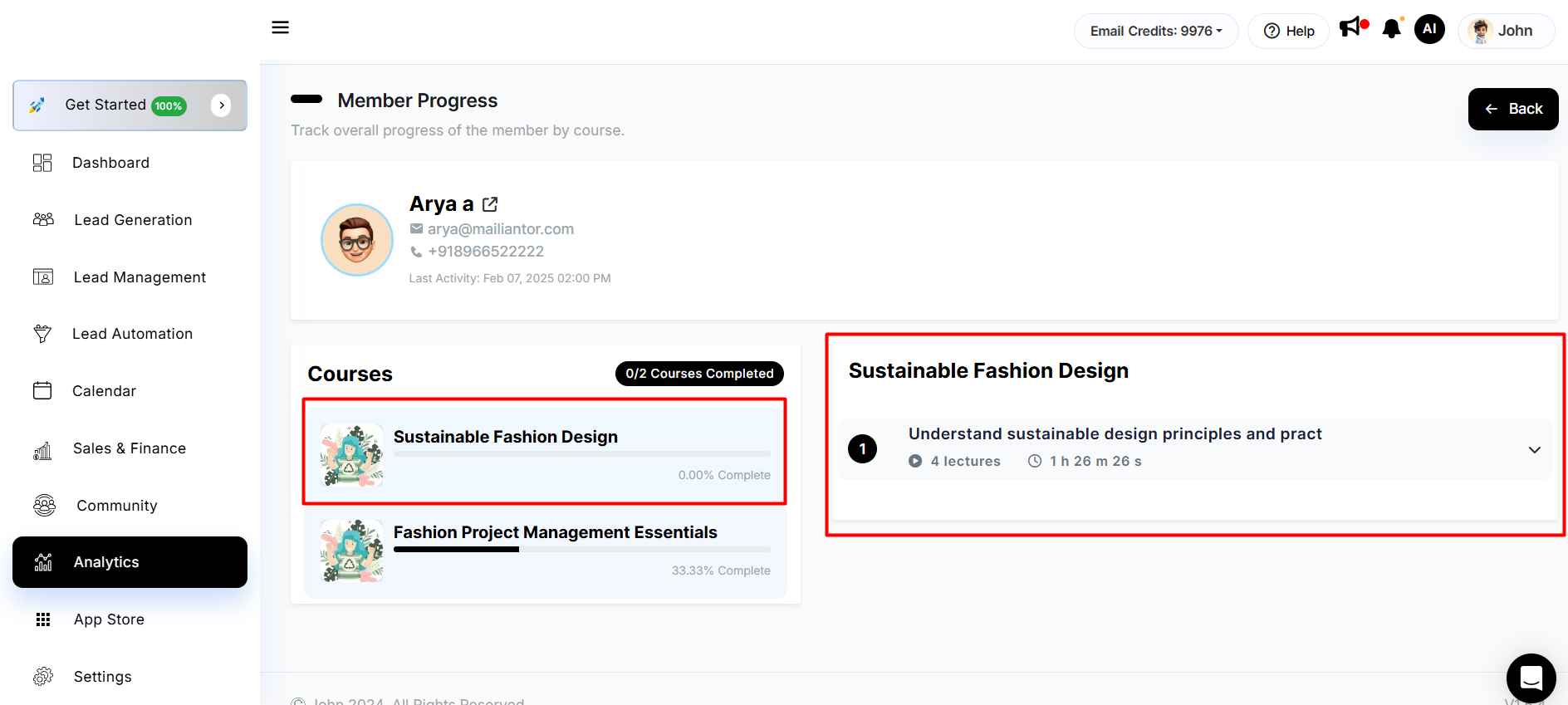
**Step 4: There you will see a list of courses assigned to that contact.**
**Step 5: Select a course and you will see how many courses the contact has completed.**
**Track overall progress of the member by course.**