> For the complete documentation index, see [llms.txt](https://knowledge-base.myappz.ai/home/llms.txt). Markdown versions of documentation pages are available by appending `.md` to page URLs; this page is available as [Markdown](https://knowledge-base.myappz.ai/home/lead-automation/whatsapp/my-template-remove-template.md).

# My Template - Remove template

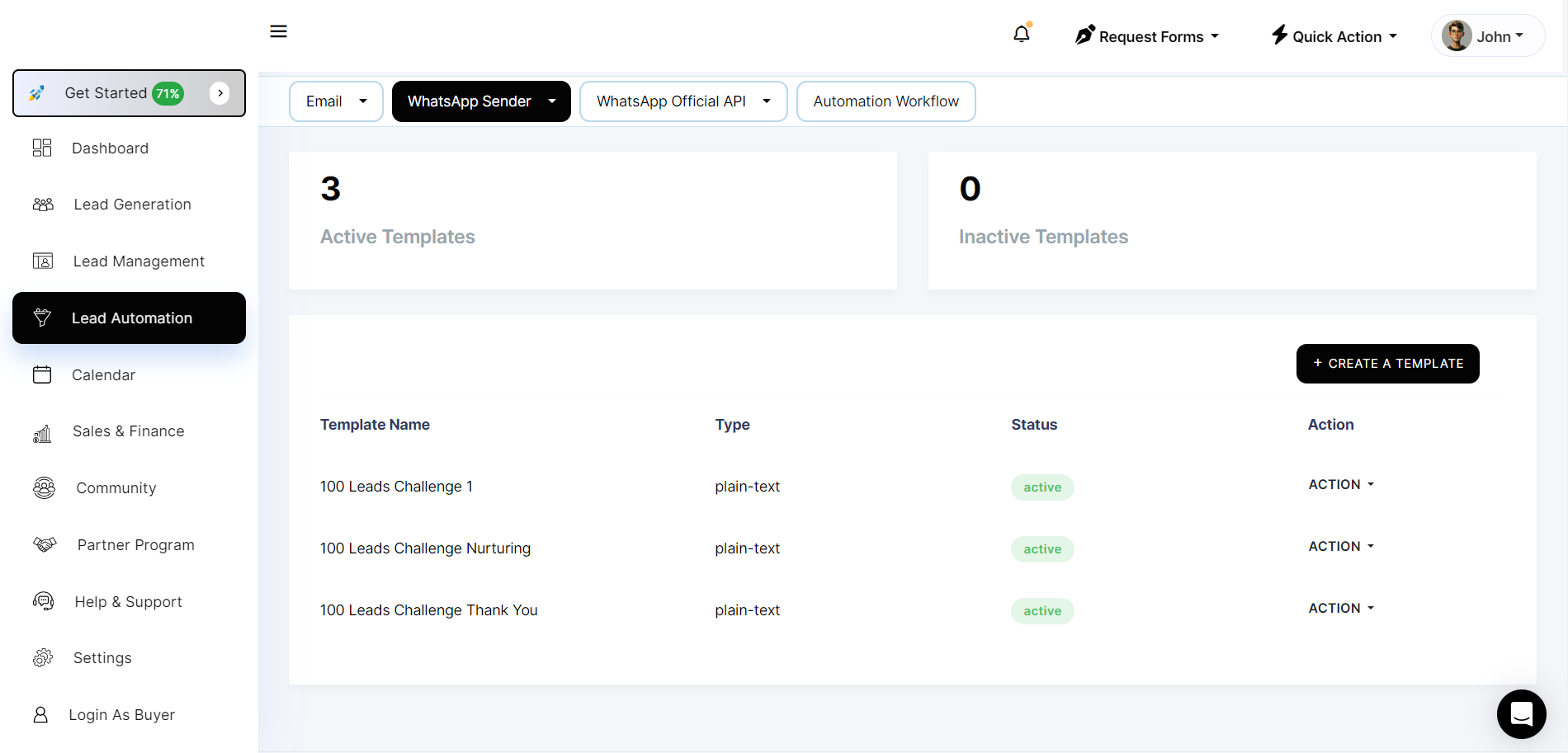
**Step 1: Click on action tab >> click on Remove template.**

![](https://2134630697-files.gitbook.io/~/files/v0/b/gitbook-x-prod.appspot.com/o/spaces%2FHH6BEHjheK80eLLkCLVd%2Fuploads%2FDO5J6RFpuTqZa7txbAmD%2Fimage.png?alt=media\&token=f69fd234-5659-4f72-8237-45eb65495993)

#### Step 2: **Once you click on delete it will show you popup for confirmation for deleting your data.**

<figure><img src="https://2134630697-files.gitbook.io/~/files/v0/b/gitbook-x-prod.appspot.com/o/spaces%2FHH6BEHjheK80eLLkCLVd%2Fuploads%2FckmHT4lgQAkiNdyIHsHl%2Fimage.png?alt=media&amp;token=9a75e048-1c21-4a8e-a288-70ac45b0f0a8" alt=""><figcaption></figcaption></figure>

**Step 3: You can see remove template in table.**<br>

<figure><img src="https://2134630697-files.gitbook.io/~/files/v0/b/gitbook-x-prod.appspot.com/o/spaces%2FHH6BEHjheK80eLLkCLVd%2Fuploads%2FBzngesJB2IpQ9QG76KqO%2Fimage.png?alt=media&amp;token=0c7eab0a-f23f-4ac4-b4e1-3b7c6352a0b8" alt=""><figcaption></figcaption></figure>